


In November 2024, OpenAI added an interesting capability to ChatGPT: the Tasks feature. It is built to help users set up and track personal and professional to-dos. Tasks goes beyond simple reminders, supporting more advanced workflows where the AI can help with planning and execution.
What does Tasks do?
With Tasks, you can use ChatGPT to manage your to-dos and reminders. That ranges from a simple reminder for an appointment to laying out a series of steps for a project. A few examples of what it can do:
- Set reminders: have ChatGPT remind you to do a specific task, like preparing for a meeting.
- Plan and organise: hand it a series of instructions, like building a shopping list and sorting it by priority.
- Automate more complex work: for example, have ChatGPT draft a report based on data you provide.
That flexibility makes the feature useful for individual users and for teams looking to collaborate more efficiently.
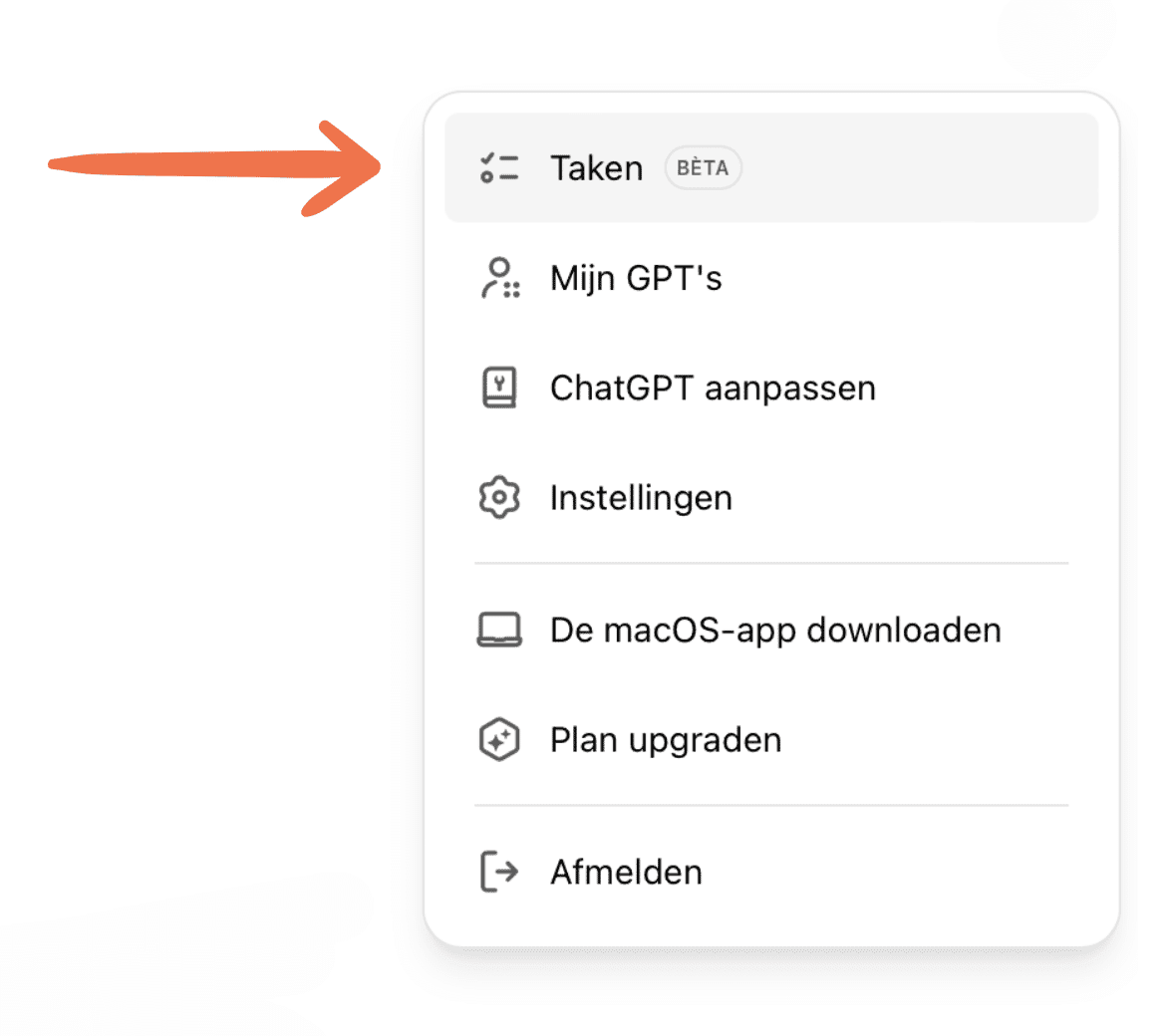
How does Tasks work?
Setting up a task is straightforward:
- Open ChatGPT and sign in with your account.
- Look for the "Tasks" option in the interface (in the main menu or settings).
- Click "Create new task" and give the task a name.
- Set the details: date, time, and any recurrence.
- Add optional instructions so ChatGPT understands the task better.
The AI keeps track of the task and sends a reminder at the right moment. For more complex workflows, you can define multiple steps and add instructions.
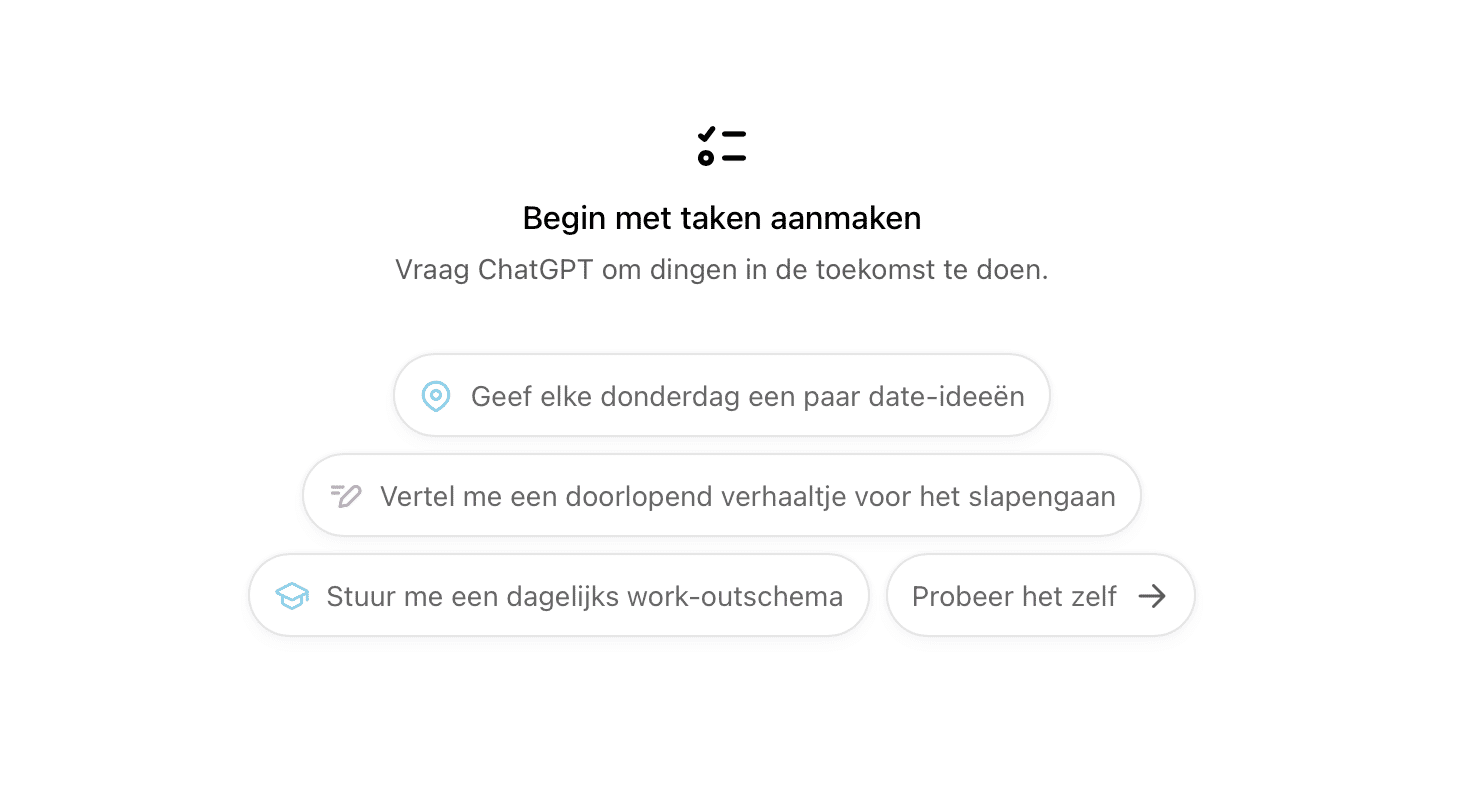
Practical use cases
Tasks supports a range of practical use cases. A few examples:
- Daily planning: assemble a to-do list for your day and let ChatGPT remind you about each item.
- Project management: define project steps such as deadlines and milestones, and keep an overview.
- Personal organisation: have ChatGPT build shopping lists, remember birthdays, or help plan an event.
For professional users, you can also tie tasks to data analysis, working more efficiently and productively.
Who is Tasks for?
The Tasks feature is available to ChatGPT Plus and Enterprise subscribers. It is designed to be accessible regardless of technical background. Whether you are a busy professional needing project management support, or someone simply looking for an efficient personal assistant, Tasks adds value across user types.
ChatGPT's new Tasks feature lifts organisation and productivity to a new level. Whether you need a reminder for a single appointment or want to set up a full workflow, the tools are there.
Want to know more about how tools like this can strengthen your organisation? Get in touch with Echovise. We are happy to help you implement smart, privacy-friendly AI solutions.